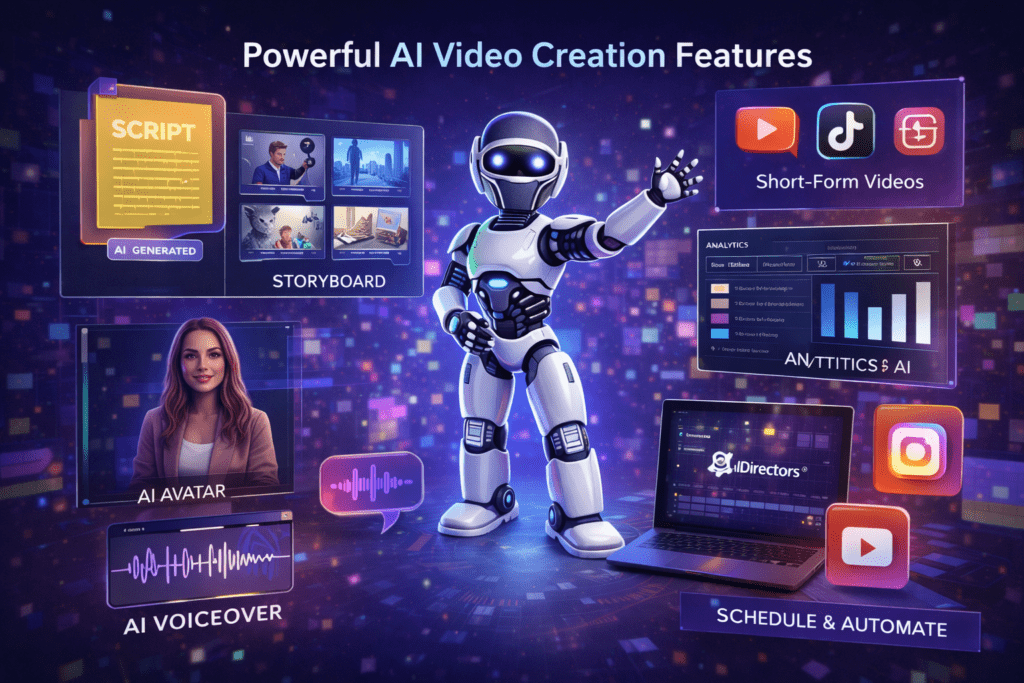
When people hear “AI video software,” they often imagine a simple tool that stitches clips together and calls it a day. To be honest, that expectation is far too low for what’s happening inside this platform.
The features in this system are designed around one core idea:
remove friction and replace entire workflows, not just tasks.
Below is a clear, practical breakdown of the main features, explained in plain language — not marketing buzzwords — so you understand what each part actually does and why it exists.
Complete AI UGC Video Creation System
At the heart of the platform is an end-to-end UGC-style video creation engine.
Instead of giving you fragments (scripts here, clips there), it produces finished, publish-ready videos.
- Creates realistic, human-style UGC videos
- Builds scenes, transitions, captions, and pacing automatically
- Designed specifically for short-form platforms like TikTok, Reels, and Shorts
This alone replaces multiple tools and paid creators.
AI Video Idea Generator (No Guesswork)
One of the most overlooked problems in video marketing is idea fatigue.
The platform solves this by automatically generating:
- multiple video angles per product
- hooks designed to stop the scroll
- concepts tailored to different audiences and platforms
Here’s what most people don’t know: consistency beats creativity.
This feature ensures you always have something worth posting.
Automated Script Writing (UGC-Style, Not Robotic)
Scripts are written the way real creators talk, not the way ads sound.
- 3–5 script variations per campaign
- conversational, short-form structure
- focused on clarity and engagement
You’re not locked into one script either. You can test, swap, and iterate without rewriting anything yourself.
AI Storyboards With Clear Flow
Before a video is generated, the system builds a storyboard.
This matters more than people realize.
- Scene-by-scene structure
- Logical progression from hook to CTA
- Prevents random or confusing visuals
In simple terms, it keeps videos focused and watchable.
Realistic AI Characters & Avatars
Instead of stock footage or awkward animations, you get human-style AI characters.
- Choose from a library of spokespersons
- Match characters to niches and audiences
- Maintain a UGC feel without hiring actors
There’s also the option to create custom avatars, which is especially useful for branding or client work.
Natural AI Voiceovers With Lip-Sync
No recording. No microphones. No retakes.
- Human-sounding AI voices
- Automatic lip-sync that matches speech
- Clear, natural pacing
This removes one of the biggest barriers for beginners: hearing their own voice on video.
Built-In Visual & Audio Enhancements
Every video can include:
- background music
- on-screen text and captions
- pacing designed for short attention spans
These elements are subtle, but they dramatically improve watch time and engagement.
Multi-Platform Video Formats (Automatic)
Manual resizing is completely removed.
Videos are automatically prepared for:
- TikTok (9:16)
- Instagram Reels (1:1)
- YouTube Shorts (16:9)
You create once and publish everywhere.
AI Titles, Descriptions & Ad Copy
Posting a video without context is a common mistake.
The platform generates:
- video titles
- descriptions
- captions
- ad copy for promotion
This ensures your videos aren’t just visible — they’re positioned to be clicked.
Scheduling & Direct Publishing
Consistency matters more than perfection.
With built-in scheduling, you can:
- plan content in advance
- publish automatically
- maintain daily posting without manual effort
This is where automation quietly compounds results.
Performance Analytics & Optimization Suggestions
Instead of guessing what works, you see real data.
- views and engagement tracking
- performance comparisons
- AI-driven suggestions for improvement
Over time, this helps refine your content strategy without relying on intuition alone.
Traffic Support & Creative Scaling Tools
The system includes tools designed to help campaigns gain momentum:
- traffic support features
- creative variation tools
- the ability to scale what’s already working
This makes growth feel controlled instead of chaotic.
Why These Features Work Better Together
Individually, each feature is useful.
Together, they form a single workflow that replaces:
- idea generation
- scripting
- filming
- editing
- publishing
- optimization
If you want a broader understanding of how all these features come together in one system, you can return to the main overview of the platform on the homepage, where the full structure and use cases are explained in context.
👉 If you want to understand how all of these features come together in one complete system — including who it’s designed for and how people actually use it — you can return to the main overview of this AIDirectors AI video business platform. That page explains the workflow, use cases, and overall structure in a clear, step-by-step way.
Final Perspective
Most tools help you do more work faster.
This platform is different. It helps you do less work and still move forward.
And in today’s attention-driven economy, that difference matters.